ODosta Inc. Create Your Own Tech World

The comparison windows 10 home vs windows 10 pro vs windows 10 enterprise helps you choose the right operating system for your computer. Many users install Windows without understanding the difference between these editions. Each version targets a specific group of users. Home edition serves personal computers. Pro edition targets professionals and small businesses. Enterprise edition supports large organizations with advanced security and management tools. When you understand these differences, you select the edition that matches your work style, security needs, and device management requirements.
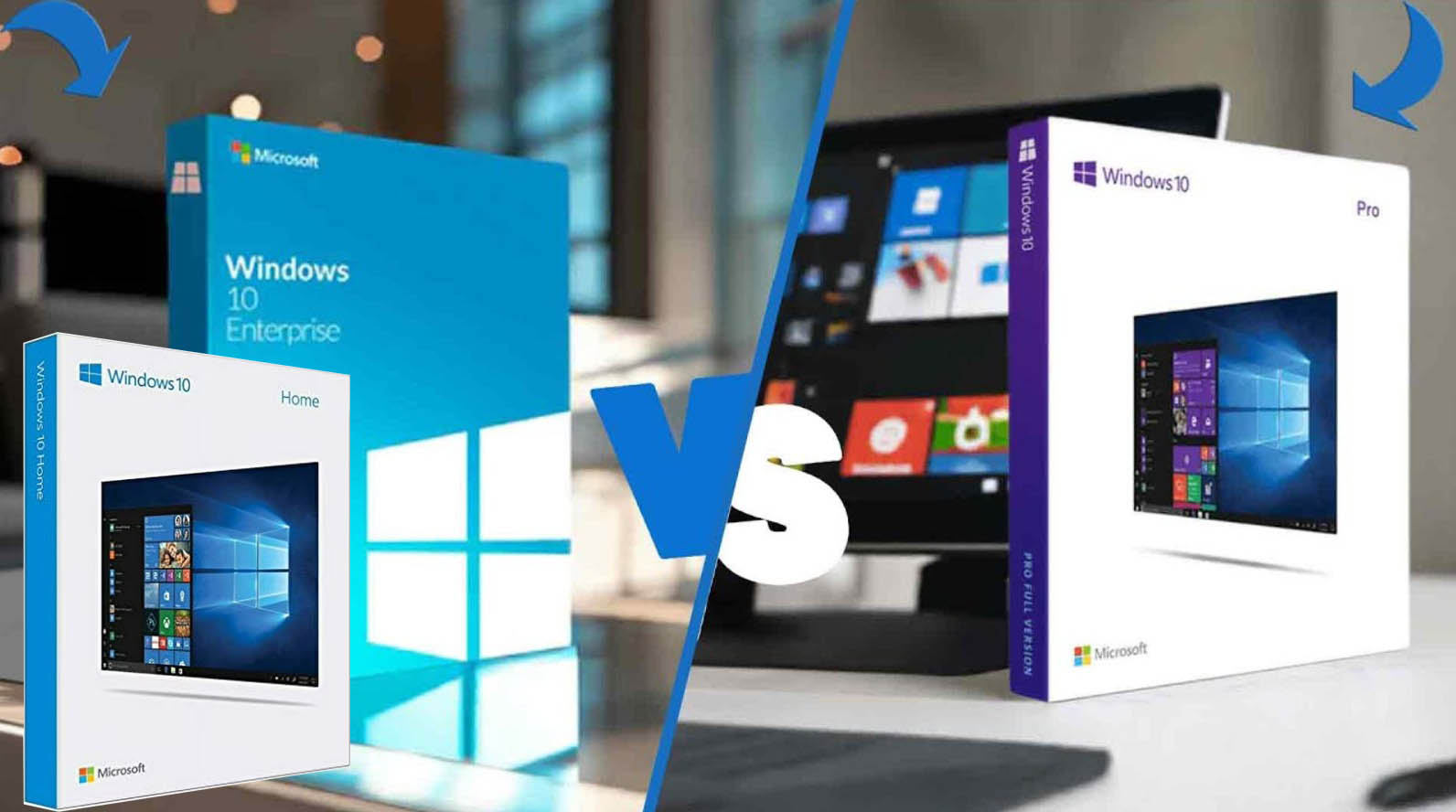
windows 10 home vs windows 10 pro vs windows 10 enterprise
This guide explains every important feature, performance factor, and security tool in simple language so you choose the correct Windows edition with confidence.
Understanding Windows 10 Editions
Microsoft Windows 10 arrived with multiple editions designed for different environments. Personal users require a simple and stable system. Business users require security, remote access, and device control. Large organizations require centralized management across thousands of devices.
Three editions dominate the market. These include Windows 10 Home, Windows 10 Pro, and Windows 10 Enterprise. Each version shares the same core interface, performance engine, and compatibility with modern applications. The main difference appears in security tools, management capabilities, and enterprise level control.
Windows 10 Home Overview
Windows 10 Home serves everyday computer users. This edition focuses on ease of use, entertainment, and productivity for personal environments. Users receive a modern interface, support for common applications, gaming support, and automatic updates. The system works well for browsing, media streaming, office tasks, and casual gaming. Key features in Windows 10 Home include the Start menu, Microsoft Edge browser, Windows Defender security, voice assistant support, and integration with cloud services from Microsoft.
This edition lacks advanced management tools. Users cannot control group policies, remote desktop hosting, or enterprise security layers. For a home computer or personal laptop, Windows 10 Home delivers everything most users need.
Windows 10 Pro Overview
Windows 10 Pro targets professionals, freelancers, and small business environments. This version includes all Home features while adding professional tools.
Security and network control stand as the main advantages. Windows 10 Pro supports device encryption, domain joining, remote desktop hosting, and advanced update management. Businesses prefer this edition because administrators gain control over system policies and network authentication. Remote desktop allows users to access their computer from another location. BitLocker encryption protects sensitive files from unauthorized access.
Windows 10 Pro supports virtualization technology through Hyper V. Developers and IT professionals often use this tool for testing operating systems and software environments. For users running business applications, remote access systems, or protected business data, Windows 10 Pro delivers a strong balance between security and flexibility.
Windows 10 Enterprise Overview
Windows 10 Enterprise serves large organizations and corporate environments. This edition builds on Windows 10 Pro while adding powerful enterprise level management features. Companies manage hundreds or thousands of devices through centralized systems. Windows 10 Enterprise supports large scale deployment, advanced threat protection, and detailed control over device policies.
Enterprise users gain access to advanced security systems such as Windows Defender Advanced Threat Protection. This tool monitors system activity and identifies suspicious behavior across networks. Large organizations also use application control tools. These tools restrict which programs run on company devices. Administrators gain stronger control over security policies and software deployment.
Windows 10 Enterprise integrates with enterprise infrastructure systems such as Microsoft Azure. This connection enables identity management, device security monitoring, and large scale device configuration across company networks. For corporate environments, this edition provides unmatched security and management capabilities.
Security Comparison
Security stands as one of the most important factors when comparing Windows editions. Windows 10 Home includes standard protection through Windows Defender antivirus and firewall protection. This setup protects against common threats such as malware and phishing attempts. Windows 10 Pro adds BitLocker drive encryption. This feature protects data if a device becomes lost or stolen. Remote desktop access also allows secure connections from other devices. Windows 10 Enterprise extends security with advanced threat monitoring. Security teams analyze threats across entire company networks. Application control tools restrict unauthorized software from running.
Large organizations often select Enterprise edition because it provides layered protection against modern cyber threats.
Device Management and Business Control
Home users rarely require centralized device management. Windows 10 Home focuses on simplicity and automatic updates. Windows 10 Pro introduces management tools such as Group Policy Editor. Administrators configure system behavior and security rules across multiple computers.
Enterprise edition delivers full device management capabilities. Organizations deploy updates, configure policies, and control applications across large networks. IT departments benefit from these tools because they reduce maintenance workload while strengthening network security.
Performance and System Requirements
All three Windows editions share the same core operating system engine. Performance remains similar across Home, Pro, and Enterprise. System requirements remain identical. A modern processor, sufficient memory, and storage capacity allow any edition to run smoothly.
Users notice no major speed difference between editions during normal tasks such as browsing, document editing, or media playback. The differences appear in management features and security tools rather than raw performance.
Choosing the Right Windows Edition
Choosing the right edition depends on how you use your computer. Windows 10 Home works best for personal computers, students, and entertainment systems. It provides a simple environment with essential features. Windows 10 Pro fits professionals, developers, and small businesses. Advanced security tools and remote access support professional workflows.
Windows 10 Enterprise serves large organizations with complex IT infrastructure. Centralized management and advanced security protect company networks and sensitive data.
Understanding the differences in windows 10 home vs windows 10 pro vs windows 10 enterprise helps you select the edition aligned with your needs so If your mind has been cleared you can Buy Windows 10 for you right now.
Future of Windows Systems
Many computers still run Windows 10 across homes and businesses worldwide. Microsoft continues security updates and system improvements for this platform. New operating systems such as Windows 11 introduce modern interfaces and improved security architecture. Many organizations continue using Windows 10 due to stability and compatibility with business software.
A well chosen edition improves productivity, protects data, and supports long term system performance. Your choice between Home, Pro, and Enterprise should reflect how you use your computer, how you manage devices, and how important security controls appear in your environment.